The Homeowner Portal
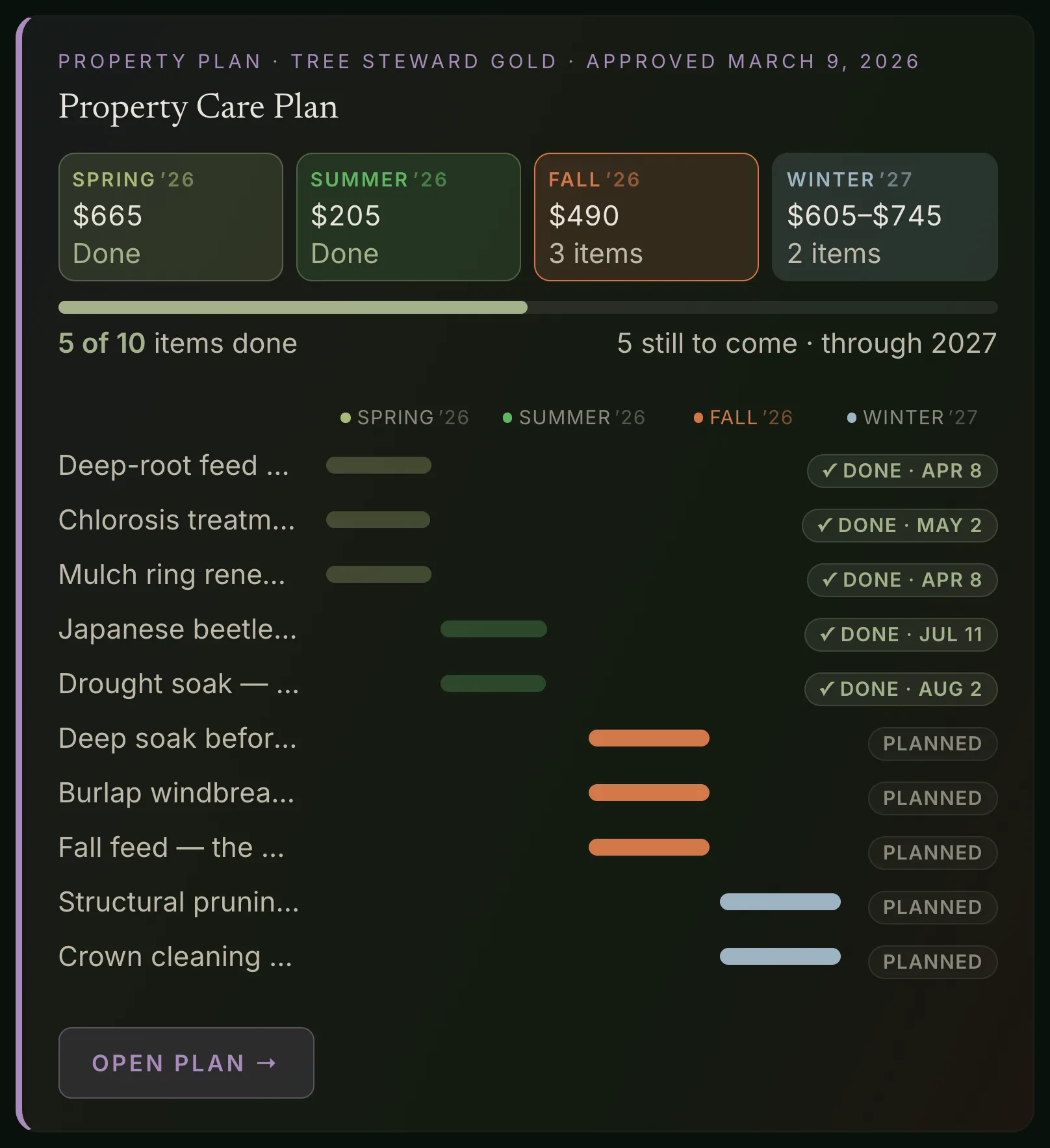
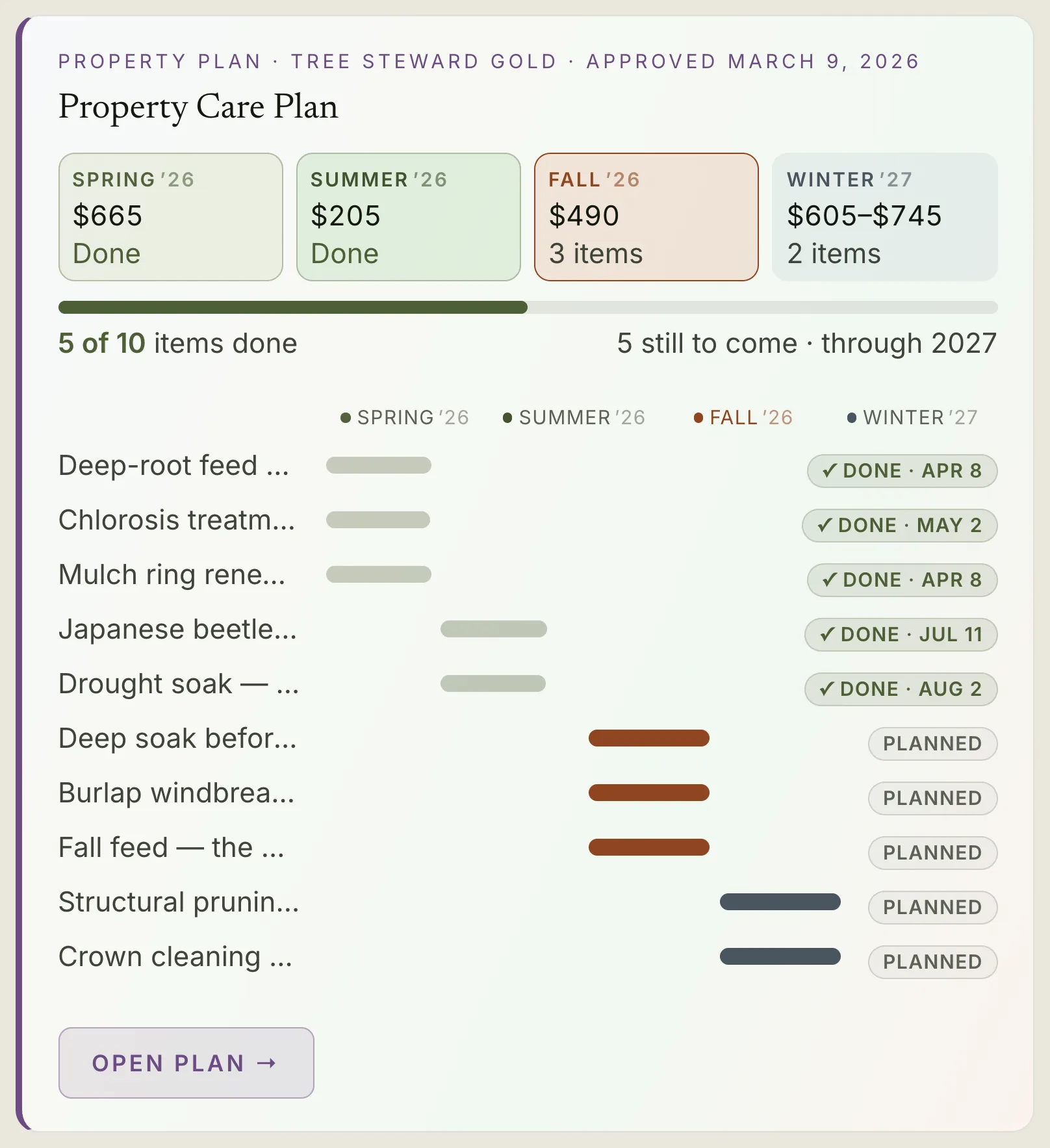
Every property ArbKeep touches gets a portal — the same chart your arborist keeps, shared with the person who owns the tree. No signup, no app, no password. Your arborist brings you in with a link, and it's yours from then on.
What you see
A dashboard of every tree your arborist tends — a photo, a species, a health-status flag at a glance. Tap into one and you get its full record: field observations in plain language, the issues currently being watched with their own photos, a timeline of every visit, and the whole photo history in one gallery.
The whole property
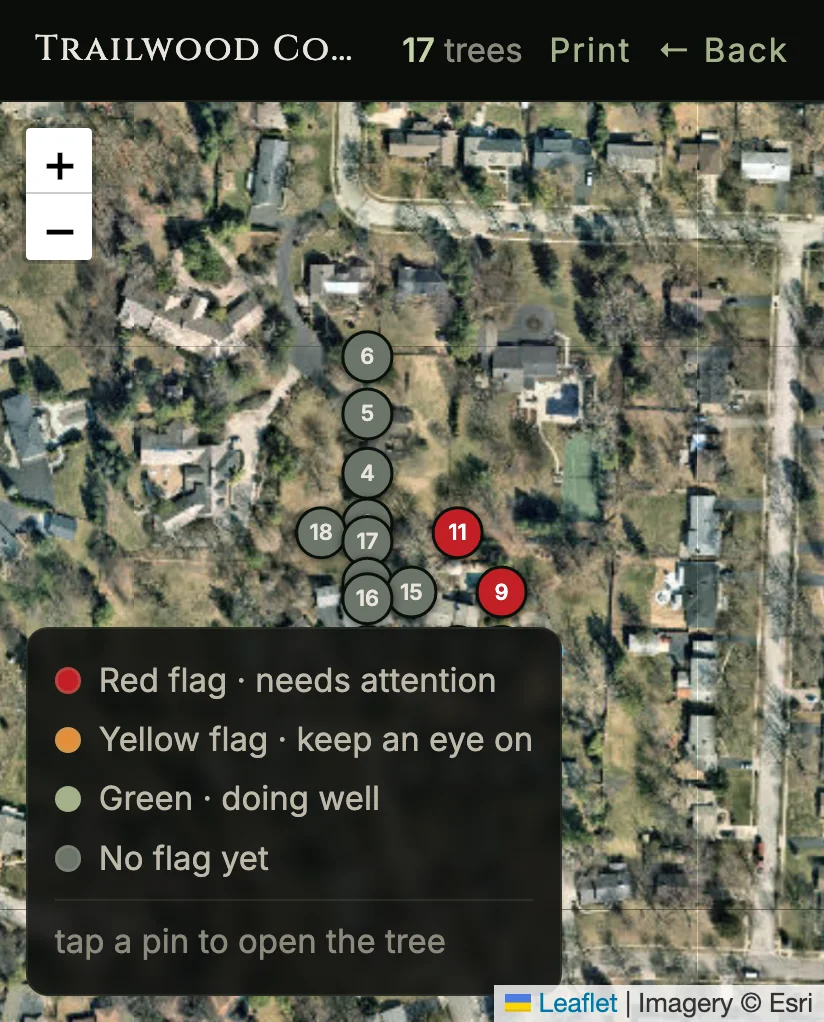
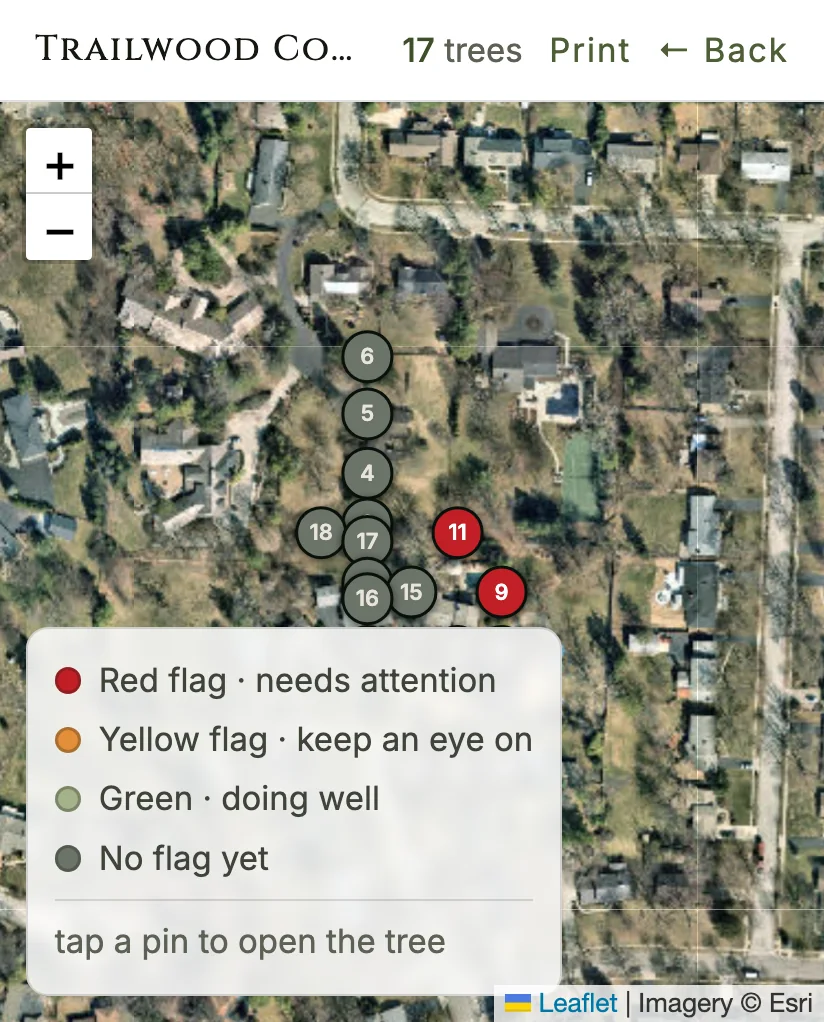
Trees pin to a map of the property, each colored by its latest status — tap one for the summary. It's the same map your arborist walks with; you get the read-only view.
On the record
A formal assessment becomes a signed report you can view any time — request the signed copy straight from your arborist. And when a storm hits your area, an alert waits in your portal with a place to report damage. Plain and honest: it's there when you look, not another app pinging you.
You don't sign up. Your ArbKeep arborist brings you in — your trees, their full record, every photo, in a portal that stays yours even when the property changes hands.
Why this exists
A lot of "AI tree software" out there is a well-built homepage in front of very little — no property-anchored schema, no AI actually reading a real chart, nothing a homeowner could ever log into. This portal is the opposite bet: the unglamorous depth — the database, the auth, the model integration — built out far enough that a homeowner can open a link and see their own tree's real record.
See how the record behind it works in ArbKeep's tree health record software, or how the diagnosis gets there in plant health care software and Diagnostic PHC.